Embroidery guide
Puckering Embroidery? Fix Tension, Thread Breaks and Bird Nests
Puckering embroidery, thread breaks, bird nests and bobbin thread on top: a symptom, cause and fix table, a tension test and step-by-step fixes in order.
Quick answer
- Puckering embroidery is almost always hooping and stabilizer: hoop the fabric smooth and drum-tight (not stretched) on the right stabilizer, and use cut-away on knits.
- Thread breaks: re-thread with the presser foot up, put in a fresh embroidery needle (75/11 is common), check the spool, then slow down and ease the top tension.
- Bird nests underneath: re-thread the top thread with the presser foot up and re-seat the bobbin.
- Bobbin thread showing on top: top tension is too tight or the bobbin isn't in its tension spring. A balanced satin column shows about 1/3 bobbin thread down the middle of the back.
Most machine embroidery problems come from a short list of causes: hooping, stabilizer, threading, needle and tension. Puckering embroidery, thread breaks and bird nests look alarming, but each one has a usual suspect and an order of fixes that solves it most of the time.
Work through the fixes from cheapest and most likely to least likely, and test on scrap fabric after each change. Change one thing at a time, so you know what fixed it.
Machine embroidery problems at a glance
| Symptom | Most likely cause | Fix |
|---|---|---|
| Puckering, wavy fabric around the design | Loose hooping, too little or wrong stabilizer, stretched fabric, design too dense for the fabric | Hoop drum-tight without stretching; right stabilizer (cut-away for knits); fabric setting that matches the garment |
| Gaps between colors, outlines not lining up | Fabric shifting during sewing | Firmer stabilizer, tighter hooping, temporary spray adhesive or floating method |
| Top thread breaks or shreds | Threading, worn or wrong needle, spool catching, tension too tight, old thread, speed | Re-thread, new needle, check spool, ease top tension, slow down, fresh thread |
| Bird nest (wad of thread) under the fabric | Top thread not seated in the tension discs, bobbin misplaced, fabric bouncing | Re-thread with presser foot up, re-seat bobbin, hoop tighter |
| Loops on top of the embroidery | Top tension too loose, top thread off its path | Re-thread with presser foot up, then raise top tension slightly |
| Bobbin thread showing on top | Top tension too tight, bobbin not in tension spring, lint in bobbin case | Re-thread bobbin, clean, loosen top tension a step |
| Fabric showing between fill rows | Light thread on dark fabric, thin thread, low density for the fabric | Denser fill (StitchFile website: Density → Fuller), matching fabric setting |
| Needle breaks | Bent needle, needle hitting the hoop or a thick seam, needle not fully inserted | New needle, push it fully up, check design fits inside the hoop's sewing area |
| Skipped stitches on knits | Needle point wrong for the fabric, fabric flagging (bouncing) | Ballpoint embroidery needle for knits, cut-away stabilizer, tighter hooping |
| Small letters merging or unreadable | Lettering too small for the fabric | Larger size, satin lettering, or remove the small text |
| Stitches sink into towel or fleece | Plush surface swallows stitches | Water-soluble topping on top, fabric setting for towel and fleece |
The rest of this guide goes through the big four in detail: puckering, thread tension, thread breaks and bird nests.
Puckering embroidery: causes and fixes
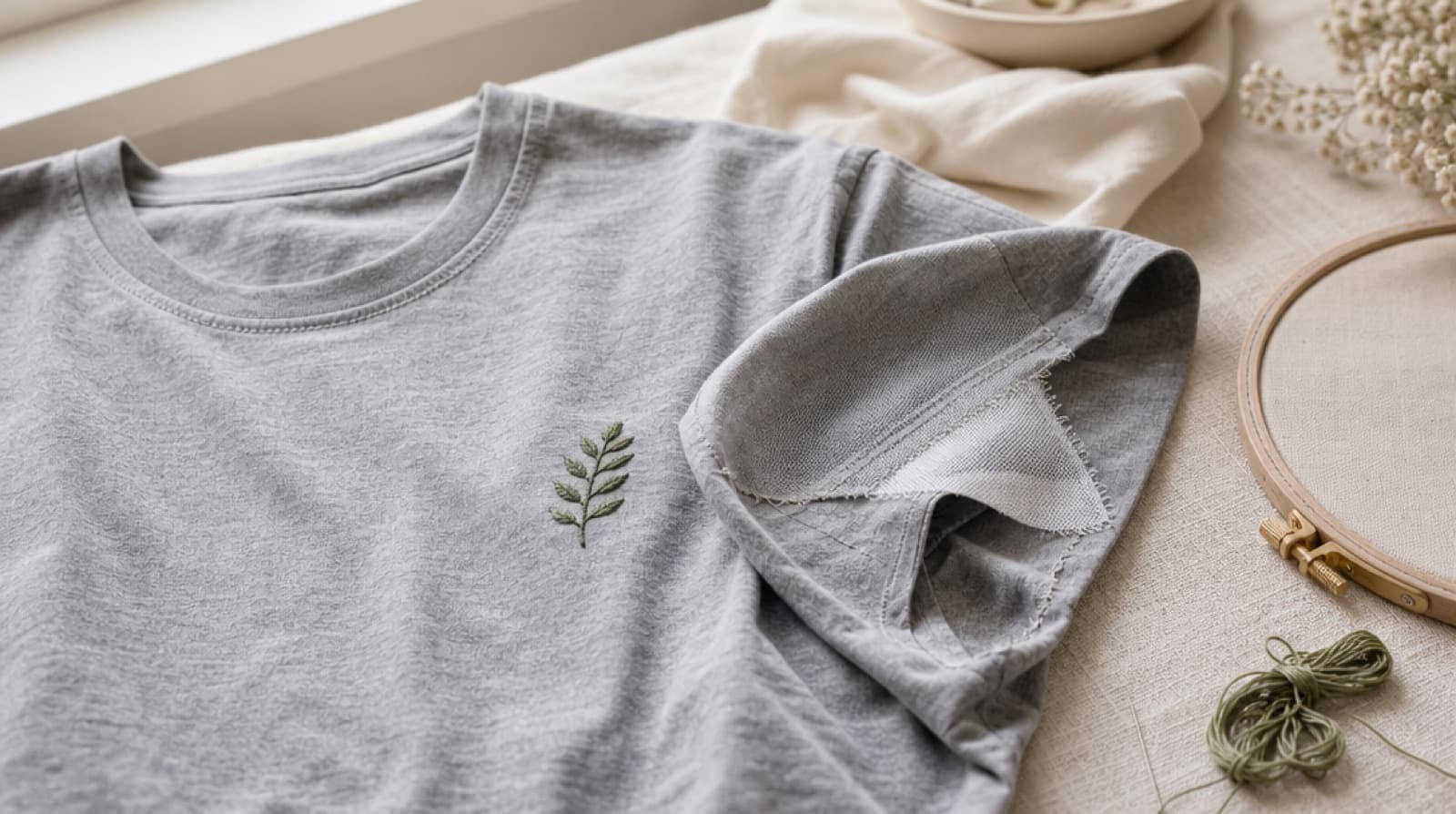
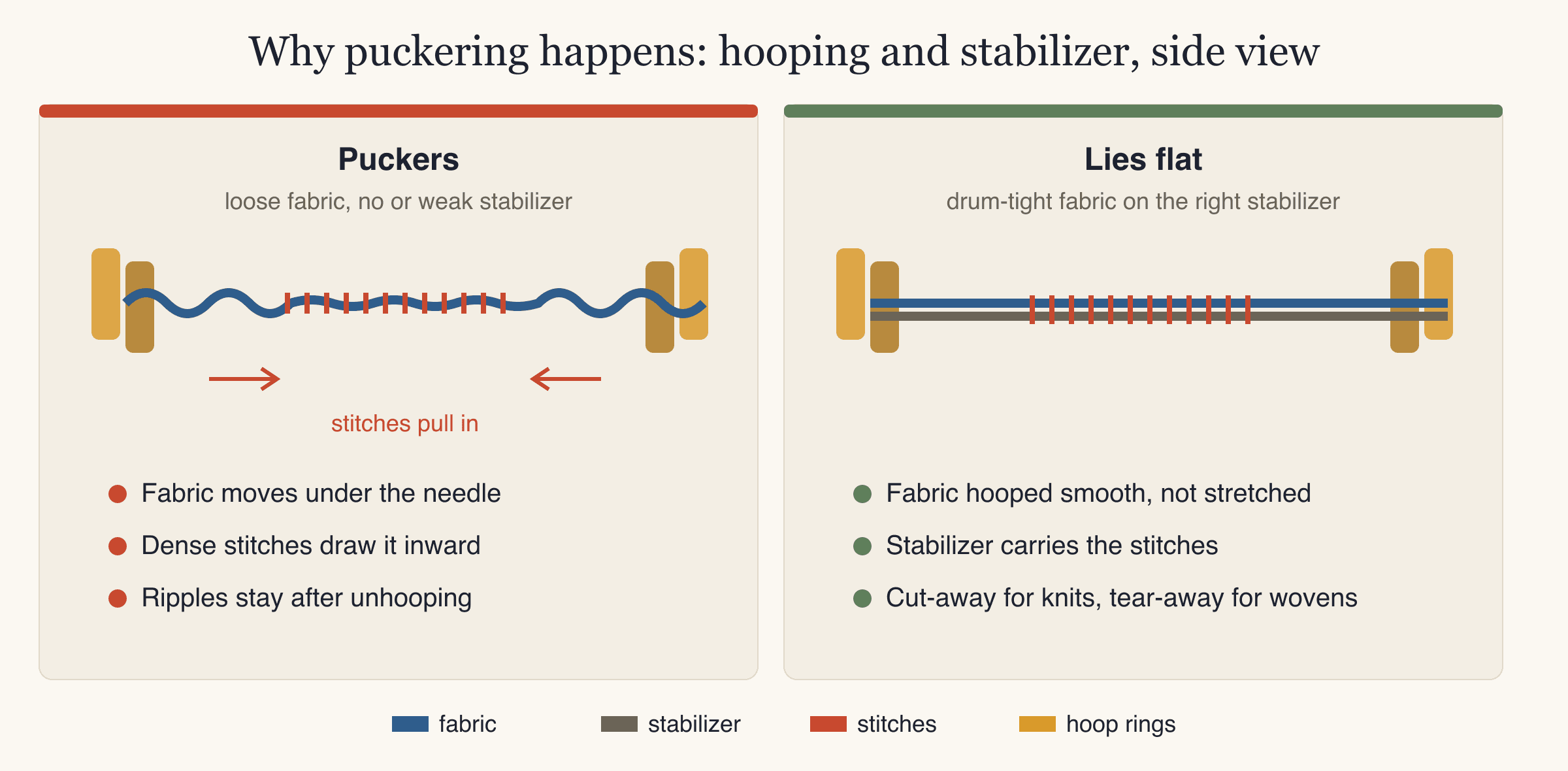
Embroidery puckering is when the fabric around or inside a design ripples, gathers or pulls in. It happens because thousands of stitches pull on the fabric as they are sewn. If the fabric can move, it gets drawn toward the stitches and stays that way when you take it out of the hoop.
Common causes of puckering
- Loose hooping. If the fabric isn't tight in the hoop, it slides and gathers as the design sews.
- No stabilizer, too little, or the wrong type. Stabilizer is the backing you hoop under the fabric. It carries the stitches so the fabric doesn't have to. Knits need cut-away stabilizer, which stays in permanently; tear-away isn't enough on stretchy fabric.
- Stretching the fabric while hooping. Pulling a T-shirt tight in the hoop feels right, but when you unhoop it, the fabric relaxes and the stitched area doesn't. The result is puckers around the edge.
- A design too dense for the fabric. Heavy fill on lightweight or stretchy fabric pulls hard. A file made for denim can pucker a T-shirt.
- Top tension too tight. Over-tight thread pulls the fabric up into each stitch.
- A dull or wrong needle. A blunt needle pushes the fabric down instead of piercing it cleanly.
How to fix puckering, step by step
- Pick the stabilizer for the fabric. As a rule: tear-away (medium) for wovens, heavy tear-away for denim, cut-away for T-shirt knits, cut-away plus water-soluble topping for polo piqué, tear-away plus topping for towels and fleece. The stabilizer guide has the details.
- Hoop drum-tight, but don't stretch. Smooth the fabric over the stabilizer, press the inner ring in, and tighten the screw. Tap it: it should sound like a drum. The fabric grain should still look straight, not distorted.
- On knits, consider a temporary spray adhesive to bond the fabric to the cut-away so they move as one. For tricky items, float the fabric: hoop only the stabilizer, then stick the fabric on top.
- Use a file made for the fabric. Density and pull compensation (the small extra width a digitizer adds because stitches pull shapes narrower) should suit the fabric. For T-shirts, see machine embroidery on T-shirts.
- Check top tension with the test in the next section.
- Put in a fresh needle. Ballpoint for knits, sharp for wovens.
- Test on scrap of the same fabric before the real garment.
A light press from the back can relax slight rippling, but it won't fix real puckers. Prevention is the only cure, which is why the test-sew matters.
Embroidery thread tension: the satin column test
Embroidery thread tension is the balance between the pull on the top thread and the pull on the bobbin thread. When it is balanced, the two threads lock together on the underside of the fabric, so the top looks smooth and the bobbin thread stays hidden.
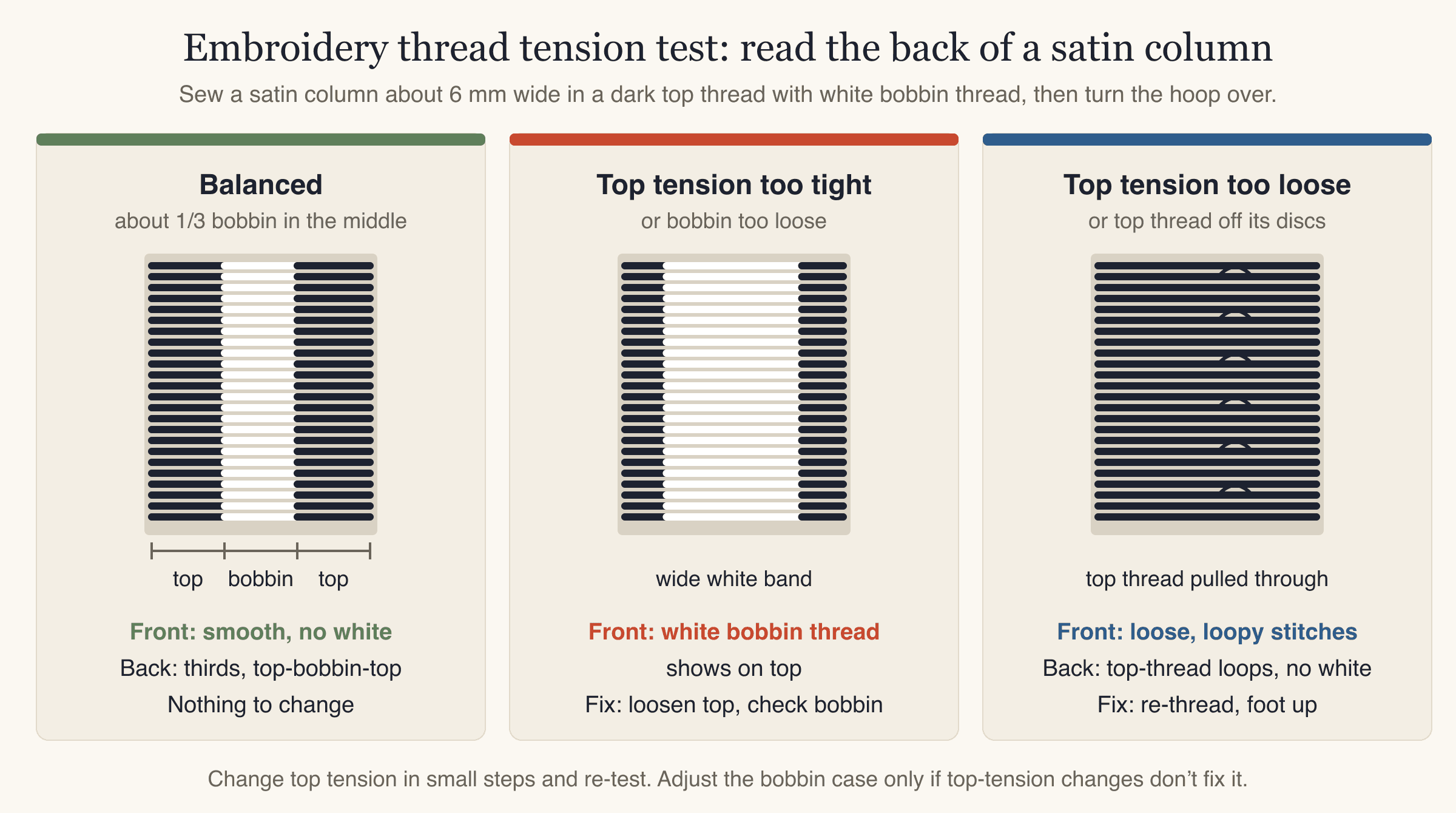
The easiest way to check it is to look at the back of a satin column. In a balanced satin stitch, the back shows about one third bobbin thread down the middle, with top thread on each side.
How to run the tension test
- Thread the machine with a dark top thread and your usual light bobbin thread. The contrast makes the result easy to read.
- Hoop medium-weight woven fabric with tear-away stabilizer.
- Sew a satin column about 25 mm tall and 5–6 mm wide. A capital letter I in a bold built-in machine font works.
- Turn the hoop over and look at the back of the column:
- About 1/3 bobbin in the middle: balanced. Leave the tension alone.
- Wide bobbin band (well over a third), or bobbin on the front: top tension too tight, or bobbin tension too loose.
- Little or no bobbin, top thread loops on the back: top tension too loose, or the top thread isn't seated in the tension discs.
- Adjust the top tension in small steps and sew the test again.
- Only if top-tension changes don't help, look at the bobbin. If your machine has an adjustable bobbin case, turn its screw in very small amounts and note where it started.
Bobbin thread showing on top of embroidery
Bobbin thread showing on top of embroidery (white dots along satin edges or through fills) means the top thread is pulling the bobbin thread up through the fabric. Work through this list:
- Re-thread the top thread with the presser foot up, so it seats properly in the tension discs.
- Re-thread the bobbin. Make sure the thread goes through the bobbin case's tension spring. A bobbin that just sits in the case has almost no tension.
- Clean lint out of the bobbin area and from under the tension spring.
- Use bobbin thread made for embroidery. It is usually lighter than the top thread. Heavy sewing thread in the bobbin changes the balance.
- Loosen the top tension one step and test again.
- Check the bobbin case. Some machines use a separate bobbin case for embroidery; check your manual.
Seeing a tiny bit of bobbin at the very edges of a tight curve is normal. White showing all along the satin columns is not.
Embroidery thread keeps breaking
When embroidery thread keeps breaking or shredding (fraying into fluff near the needle), the file is rarely to blame. Go through these in order:
- Re-thread the top thread completely, with the presser foot up. A thread that has jumped out of one guide breaks quickly.
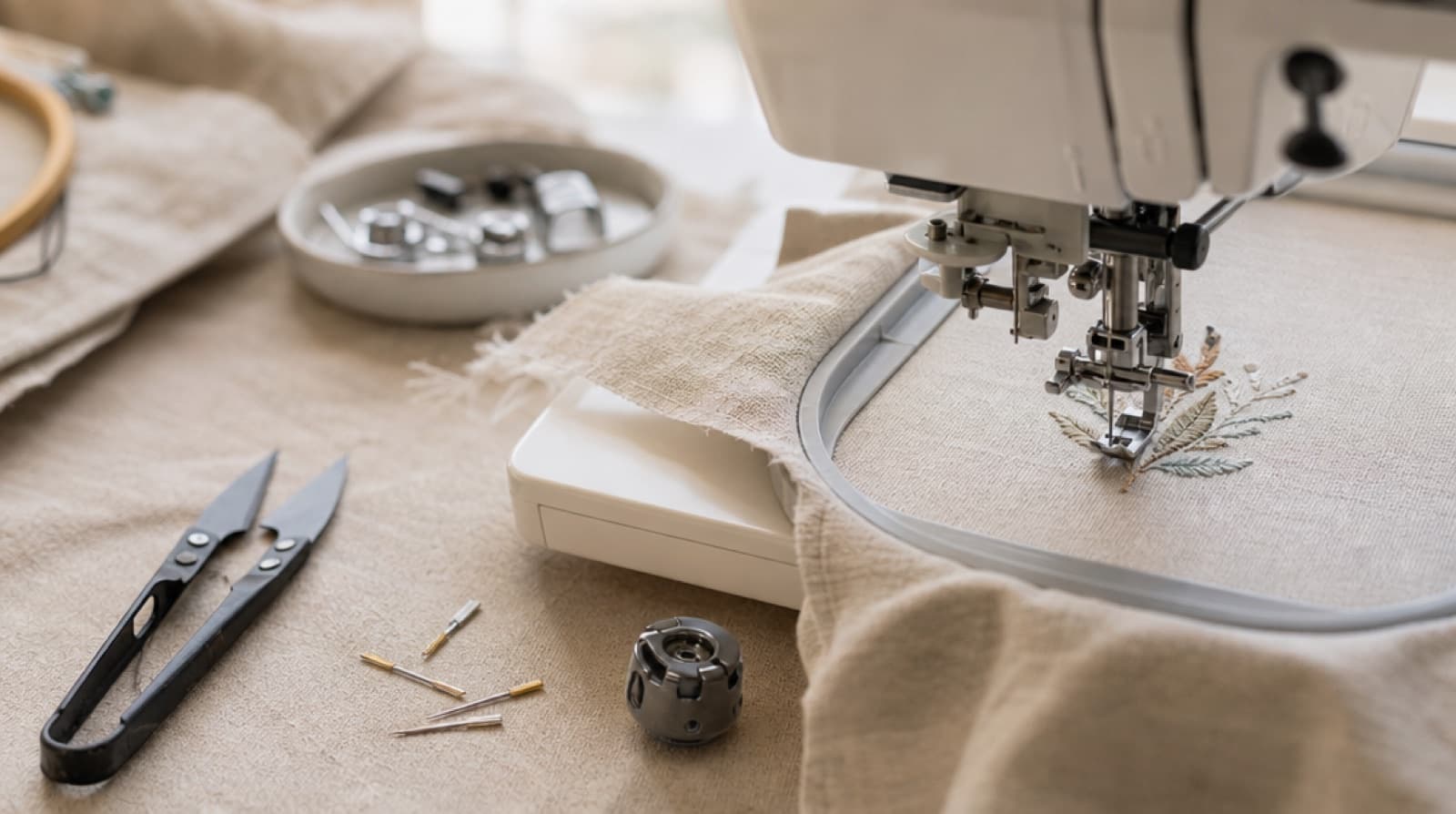
- Put in a new embroidery needle. Needles dull and can get small burrs that cut thread. Size 75/11 is a common choice for standard embroidery thread. Check that it is pushed fully up and facing the right way.
- Check the spool. The thread must come off freely. Look for a nick in the spool's edge, thread caught in the notch on the spool end, or a spool cap that is too small. A thread net helps with slippery thread that slides off the spool.
- Ease the top tension a little. Too much tension stretches the thread until it snaps.
- Slow the machine down. Dense areas and metallic threads are easier on a lower speed.
- Try fresh thread. Old thread can dry out and get brittle. Good embroidery thread breaks less.
- Clean the needle if you use spray adhesive. Sticky buildup on the needle drags the thread.
- For metallic thread, use a needle with a larger eye made for metallic thread.
If breaks always happen in the same spot of the design, that area may be very dense or have many stitches on top of each other. That one is a file issue.
Bird nests: loops and thread wads under the fabric
A bird nest is a tangle of top thread that builds up under the fabric, sometimes jamming the machine. It almost always means the top thread has no tension, so the machine keeps feeding loose loops into the bobbin area.
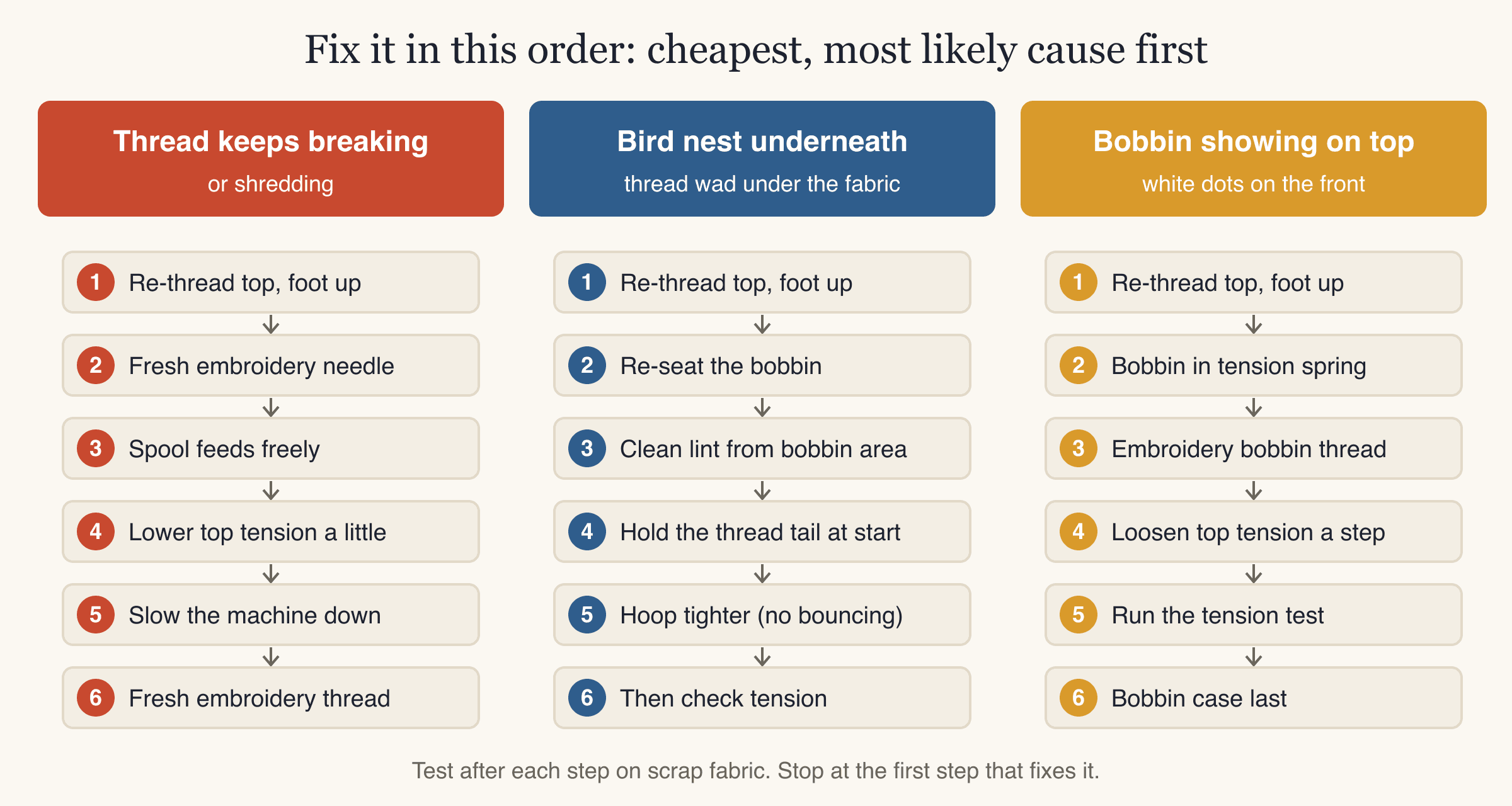
- Stop and cut it free carefully. Remove the hoop, snip the nest from underneath, and take out the bobbin. Don't pull the fabric hard.
- Re-thread the top thread with the presser foot up. With the foot down, the tension discs are closed and the thread can't slip between them. This is the most common cause of bird nests.
- Re-insert the bobbin the right way round, through its tension spring, as your manual shows.
- Clean lint from the bobbin area and around the hook.
- Hold the top thread tail for the first few stitches if your machine doesn't trim and hold it automatically.
- Hoop tighter. Fabric that bounces up and down with the needle (called flagging) lets loops form under it.
- Then check the tension with the satin column test.
When the file is the problem
Most stitch-out problems come from hooping, stabilizer, threading and tension. But a file can cause trouble too: very dense fills that pucker light fabric, lettering too small to read, fabric showing through fills, or a design digitized for a different fabric than the one you're using.
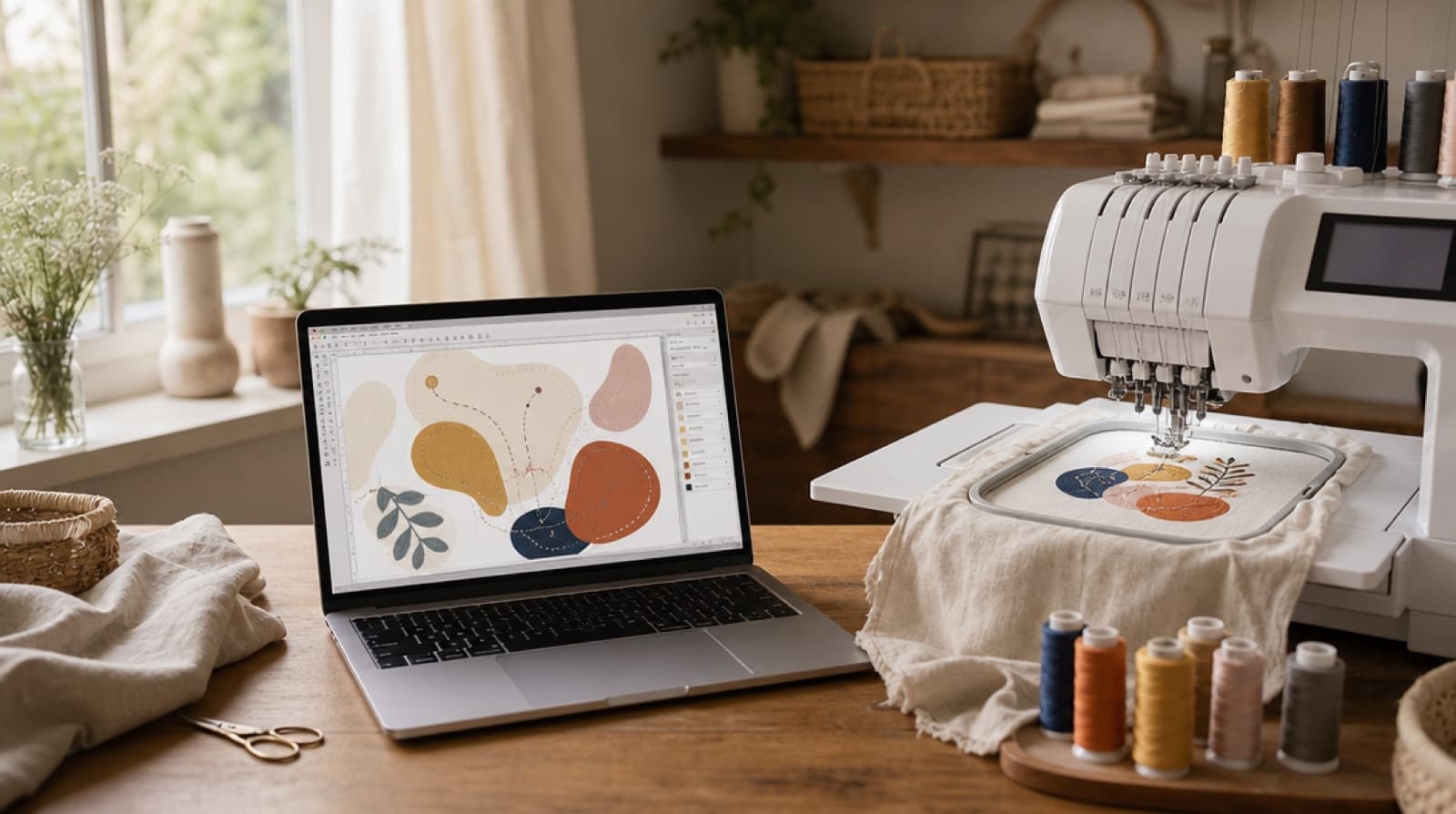
If you make your files with StitchFile, a few settings deal with these directly. The fabric you choose (woven, T-shirt knit, polo piqué, denim, or towel and fleece) sets the stitch density, pull compensation and the stabilizer we recommend, which is printed on the thread color key. Lettering that is too small for that fabric gets a warning with a size that would work. If fabric peeks through the fill, the free Density → Fuller setting on the website sews the fill rows closer together over thicker underlay.
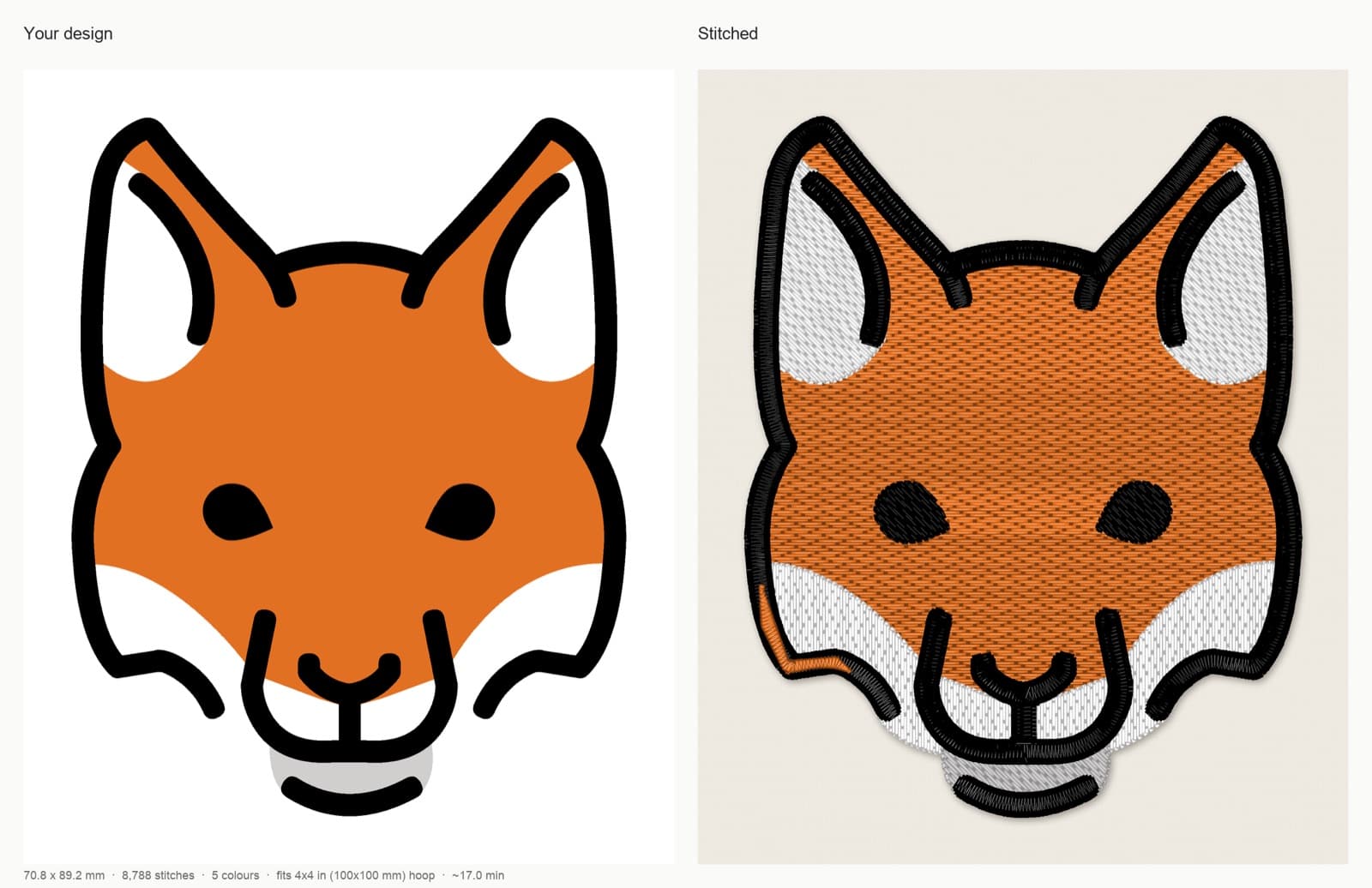
Artwork: OpenMoji fox, CC BY-SA 4.0. StitchFile converted the artwork into the stitch preview shown here; these adaptations are shared under the same license.
Fuller fill uses more thread and takes longer, so use it when you need it: light thread on dark fabric, thin thread, or fabric that shows through.
If a StitchFile design sews badly even with the recommended stabilizer and fabric setting, send a photo of the stitch-out to support@stitchfile.app. The team will re-run it free or refund that design. (This doesn't cover designs made from photos.)
Common mistakes when troubleshooting
- Changing several things at once. You won't know what fixed it, or what made it worse.
- Turning the bobbin screw first. Start with re-threading and top tension. The bobbin case is the last step.
- Threading with the presser foot down. It causes bird nests, loops and bobbin showing on top.
- Using the same needle for months. Needles are cheap. Change them often, and always when trouble starts.
- Stretching knits in the hoop. It looks tight and flat in the hoop, then puckers when released.
- Tear-away on T-shirts. Knits need cut-away.
- Testing on a different fabric. A test on stiff cotton tells you little about a stretchy tee.
- Blaming the file before checking the basics. Re-thread, change the needle, check the stabilizer. Then look at the file.
New to all this? The machine embroidery for beginners guide covers setup from the start.
FAQ
Why is my embroidery puckering?
Puckering is usually caused by loose hooping, too little or the wrong stabilizer, or fabric stretched in the hoop. Hoop the fabric drum-tight without stretching it, use cut-away stabilizer on knits, and use a design suited to the fabric's weight.
How do I know if my embroidery thread tension is right?
Sew a satin column and look at the back. With balanced tension, about one third of the column's width shows bobbin thread down the middle, with top thread on both sides. More bobbin means the top tension is too tight; none means it is too loose.
Why is bobbin thread showing on top of my embroidery?
The top thread is pulling the bobbin thread up through the fabric. Re-thread the top thread with the presser foot up, make sure the bobbin thread passes through the bobbin case's tension spring, clean out lint, and loosen the top tension one step.
Why does my embroidery thread keep breaking?
The most common causes are threading errors, a worn or damaged needle, a spool that catches, and top tension that is too tight. Re-thread, put in a new embroidery needle, check the spool feeds freely, and slow the machine down.
What causes a bird nest under machine embroidery?
A bird nest usually means the top thread is not seated in the tension discs, often because the machine was threaded with the presser foot down. Re-thread with the foot up, re-seat the bobbin, and hoop the fabric tighter so it doesn't bounce.
Can you fix puckered embroidery after it is stitched?
A light press from the back can relax slight rippling, but real puckering can't be removed once it's sewn. The fix is to re-stitch with better hooping and stabilizer, so test on scrap fabric first.
Start with a file made for your fabric
Hooping and threading are up to you, but the file should match the fabric too. Upload your artwork to StitchFile, choose the size and fabric, and check the free stitch preview, with the stabilizer to use, before you hoop anything.