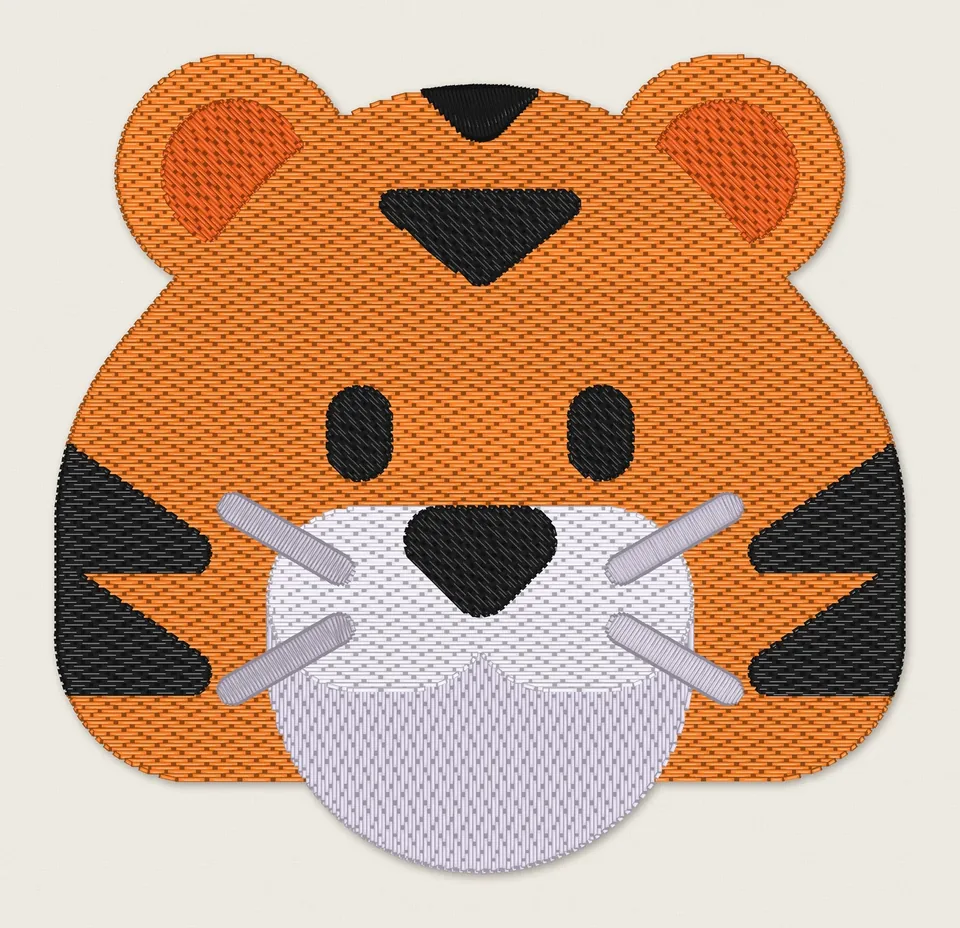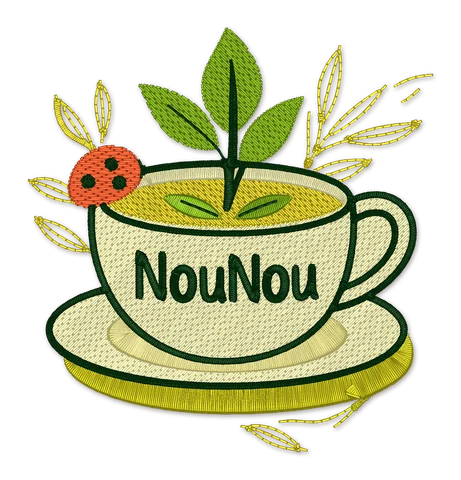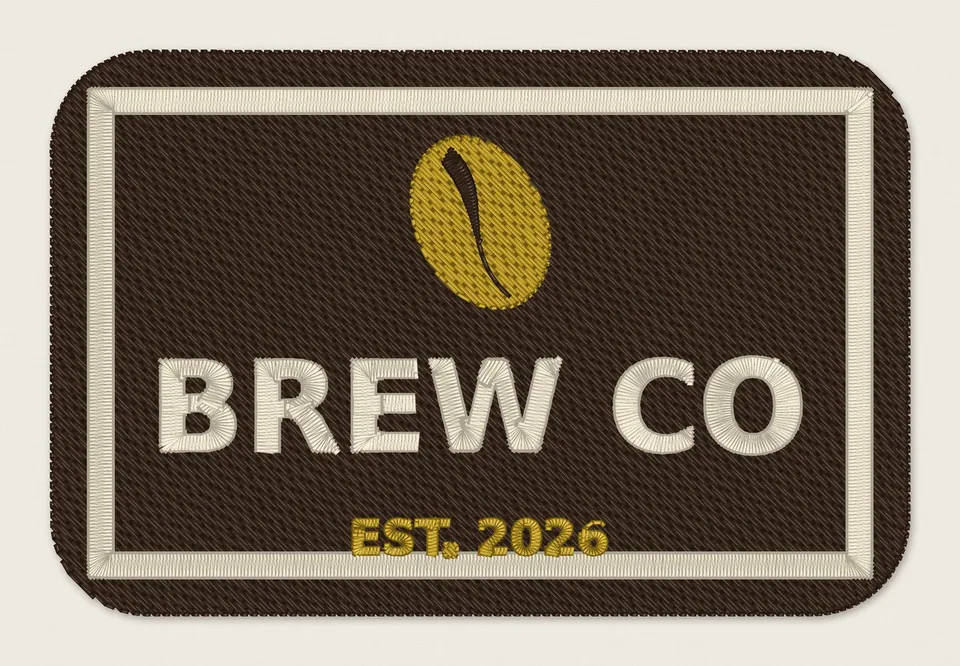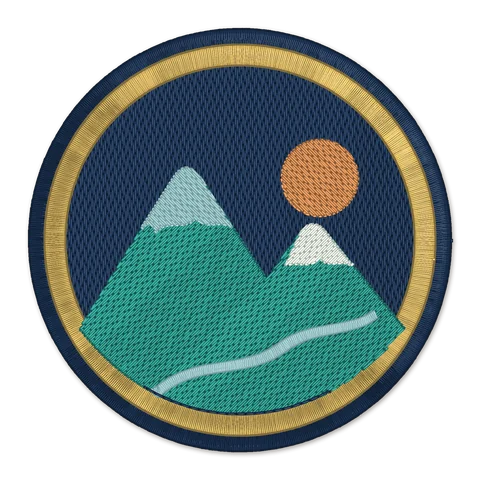
Images redrawn as clean vector art
PNG and JPG logos are redrawn by AI as crisp shapes before stitching, so edges come out smooth, not as jagged pixels.
Features
From a logo on your phone to a file your machine sews well. Here's each step, and what we do for you at every one.
1Upload
Drop in an SVG, PNG or JPG. We make the decisions a professional digitizer would, for the size you'll sew it at.
PNG and JPG logos are redrawn by AI as crisp shapes before stitching, so edges come out smooth, not as jagged pixels.
A plain background around your logo is left as fabric instead of being stitched as a solid block. Want a filled patch? Keep it with one click.
Lines and lettering get satin columns that follow the stroke, larger areas get fill, and everything sits on underlay with pull compensation so shapes keep their size.
A logo that looks fine on screen can fall apart at 55 mm. We fix it for your size: hair-thin lines thickened, tiny holes opened, small lettering enlarged.
Pick woven, T-shirt knit, polo piqué, denim or towel. Density, pull compensation and the smallest text change with it, and we tell you which stabiliser to use.
2Preview
Every preview is drawn from the real machine file, stitch by stitch, so what you see is what your machine sews.
Press play and watch the needle stitch your design colour by colour, in the order your machine will.
The close-up shows the busiest part of your design at thread level, so you can check lettering and edges before you buy.
Your design on a T-shirt, woven shirt, cap and jersey at its real size, on light or dark fabric. If it's too big for that garment, we say so.
Every design gets a plain-words rating: great, fair or poor for embroidery, with the reasons. If it won't stitch well, you know before you pay.
3EditNew
Change the design right on the preview page. Each edit makes a new preview in about 20 seconds, and you can go back to any earlier version.
Tap anything you don't want stitched, like a tagline, a background shape or a tiny detail, or drag across to pick several. The rest is stitched without it.
Slide to the number of threads you want. Look-alike colours merge first, so you get fewer thread changes and a quicker sew.
Swap any colour for one of 64 Brother threads to match your brand, or the threads you already have.
Shading, gradients or fuzzy edges? AI redraws your image as bold, flat embroidery art with cleaner lettering. It takes about a minute, and your original stays.
4Download
One purchase, every format, checked before you get it.
PES, DST, JEF, EXP and VP3 for Brother, Baby Lock, Tajima, Janome, Melco, Bernina, Husqvarna Viking and Pfaff. Download just your format, or everything as a zip.
Every colour in sewing order with the nearest Brother thread, plus the stabiliser to use. It's in your download, ready to print.
Every file is checked for gaps between colours, stitches outside their shape and stitches over 7 mm, and all five formats are read back to make sure they match.
Need it on a cap and a jacket back? After you buy, make it any other size or fabric free for a week.
If a file sews badly, send us a photo. We'll re-run it free or refund you.
Continue with Google, or get a sign-in link by email.
Buy a 10-pack now and use it next year.
Uploads stay private and are deleted after 30 days.
Pro and Shop plans let you sell what you make.
The whole site, emails and checkout in both languages.
We tell you the smallest hoop your design fits.
Upload a logo and see it stitched in about 20 seconds. No account needed.